 Applications > Using Dashboard > Using Mercury Business Availability Center for SAP > Showing Impact
Showing Impact
The Show Impact option enables you to select a CI, which is defined by a correlation rule as a root cause CI, and to display all the CIs that are affected by it in a separate window.
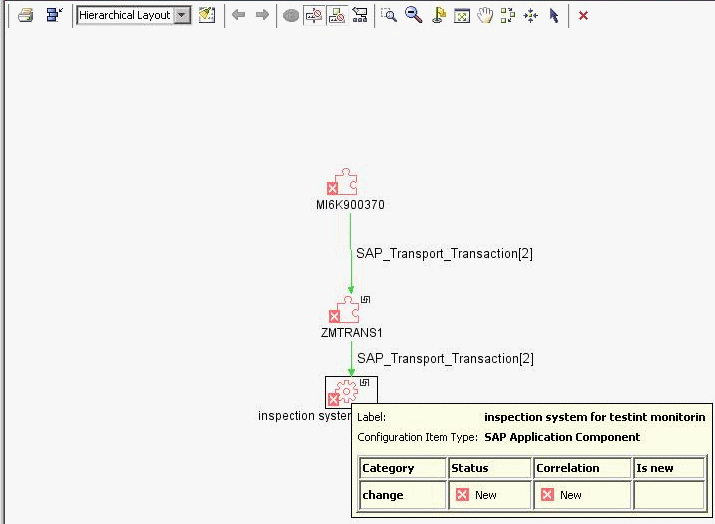
For example, a transport affects specific transactions. Using Show Impact you can see the impact of Transport CIs on Transaction CIs and the impact of Transaction CIs on Transport CIs.
For example, when this procedure is performed on a transport, the window displays all the elements that have been impacted by the transport:
To show the impact of a root cause object:
 to the right of the element. A menu opens. Select Application Mapping > Show Impact.