 Applications > Using Dashboard > Using Mercury Business Availability Center for SAP > Isolating a Problem
Isolating a Problem
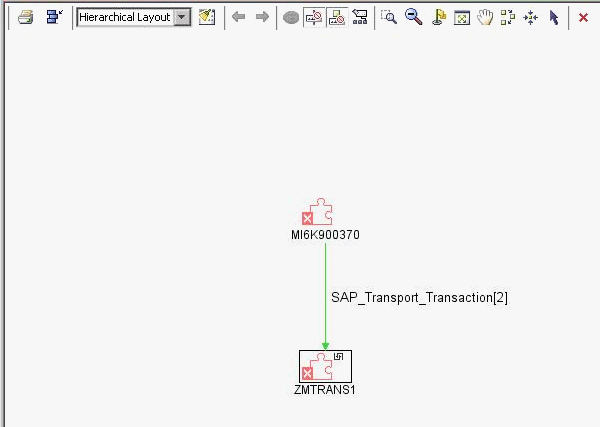
You can isolate a CI's problem in a separate browser window. The Problem Isolation option enables you to retrieve root cause information for CIs that are affected by a chain of correlation rules. The output of problem isolation displays a logical map that describes a chain of trigger/affected CITs that affect the CI.
For example, when the Problem Isolation procedure is performed on a transaction, the window displays the transports that have impacted the transaction.
To isolate a problem:
 to the right of the element. A menu opens. Select Application Mapping > Problem Isolation.