 Administration > Data Collector Administration > SiteScope Administration > Installing SiteScope > Uninstalling SiteScope > Uninstalling SiteScope for Solaris or Linux
Uninstalling SiteScope for Solaris or Linux
For SiteScope running on UNIX platforms, the SiteScope installation includes a script to uninstall the SiteScope software from your computer. If you are unable to run the script, you can delete the SiteScope files and directories manually.
Note: Uninstalling SiteScope does not delete the temporary setup files and archives created during the installation process. These temporary files occupy several megabytes of disk space. By default, these files are created in the <install_path>/SiteScopeInstall/ directory tree. You should delete these files manually.
To uninstall SiteScope for Solaris or Linux:
- Log into the machine where SiteScope is running using the account authorized to execute scripts in the SiteScope directory. Normally this should be the account under which SiteScope is running.
- Stop SiteScope by running the stop shell script included in the <install_path>/SiteScope directory. An example command line to run the script is:
- Run the uninstall script in the <install_path>/SiteScope/_uninst directory. An example command line to run the script is:
- Click the Next button to continue. A summary page opens.
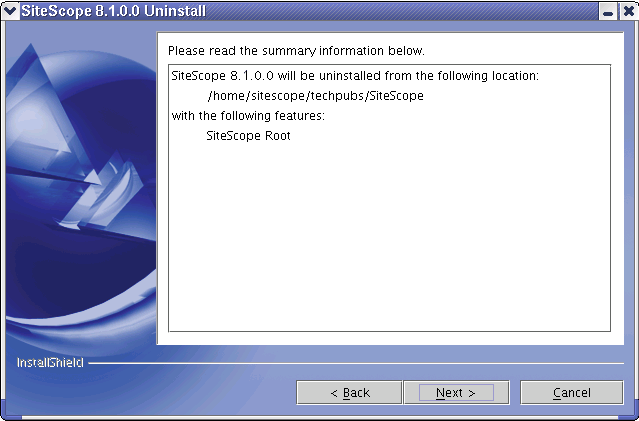
- Click the Next button to continue. The uninstall operation is started. Several message will be displayed in the terminal window used to run the uninstall script. A summary page opens indicating the uninstall is complete.
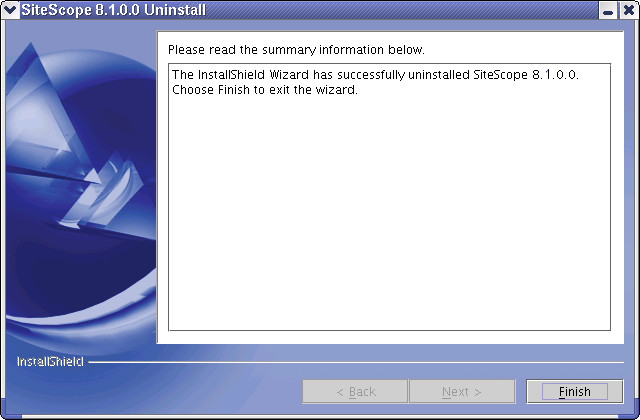
- Click the Finish button to close the wizard and terminate the script.
SiteScope/stop
A message is displayed indicating that SiteScope is stopped.

SiteScope/_uninst/uninstall
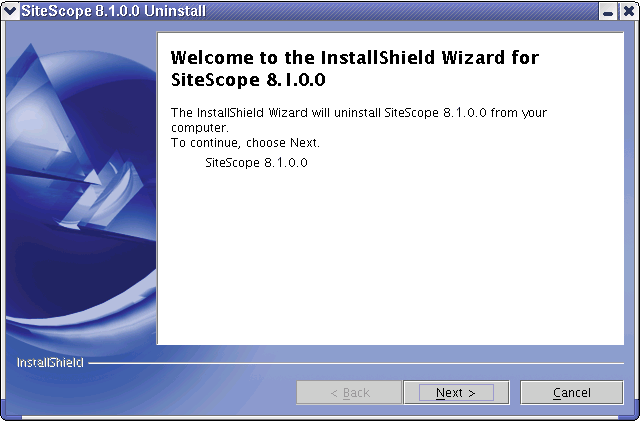
The install program is initialized and a wizard dialogue window opens.
Note: Running the SiteScope uninstall script does not delete all SiteScope files nor does it uninstall the Java JVM, client applications used to support some SiteScope Application monitors, or other programs.