Administration > Application Administration > Mercury Business Availability Center for SAP Administration > Administering Mercury Business Availability Center for SAP > Administering SAP Service
Administering SAP Service
The SAP service is assigned to the Modeling Data Processing Server. It is a configuration service that enables Mercury Business Availability Center to work with data that is in SAP format.
For details about how to view a service status via the JMX Web console, see High Availability for the Data Processing Server in Deploying Servers.
The SAP Service provides the following advantages:
- Responsible for intelligent relation of monitoring information
- Installed on the modeling processing server (5 server installation)
- Loaded after the CMDB and Viewing System services are loaded
- Registers on 3 TQLs and gets notification on every change in those TQLs
- Check if the service is up/activated in the JMX console - for details, see Activating the SAP Service
- Responsible for automatic linkage of SiteScope measurements or BPM scripts with standardized names - for details, see Following the Naming Conventions for Naming Business Process Steps
- Creating a Business Process and Locations container and connecting the appropriate Business Process Steps to the containers. A Business Process Step connected manually to the SAP transaction would also be connected to those containers - for details, see Attaching Business Process Steps to a SAP Transaction without Following the Naming Conventions.
- Works after BPM and SiteScope source adapters have been synchronized
- Business Process Step that follows the naming convention

Activating the SAP Service
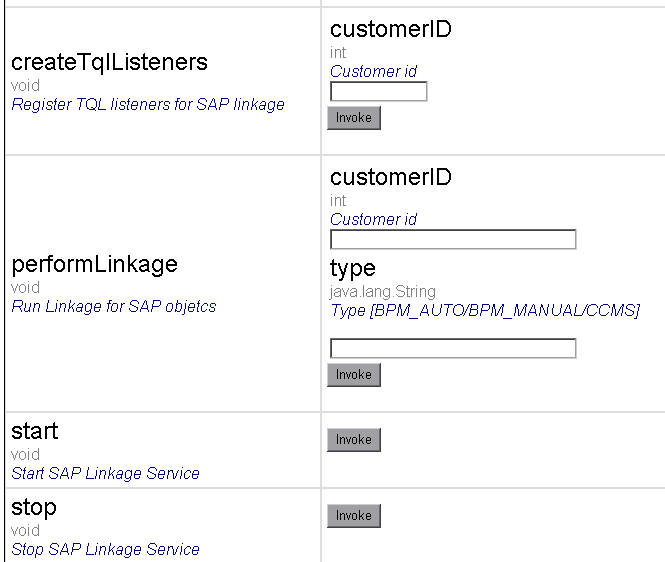
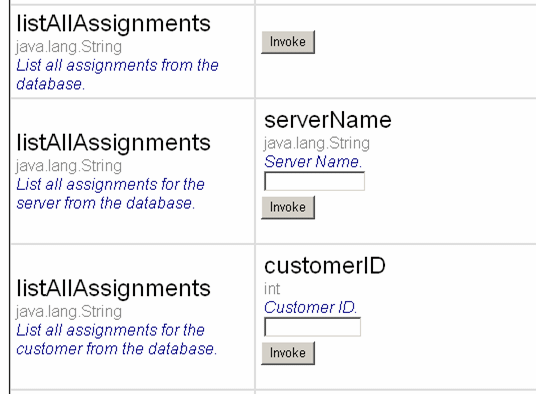
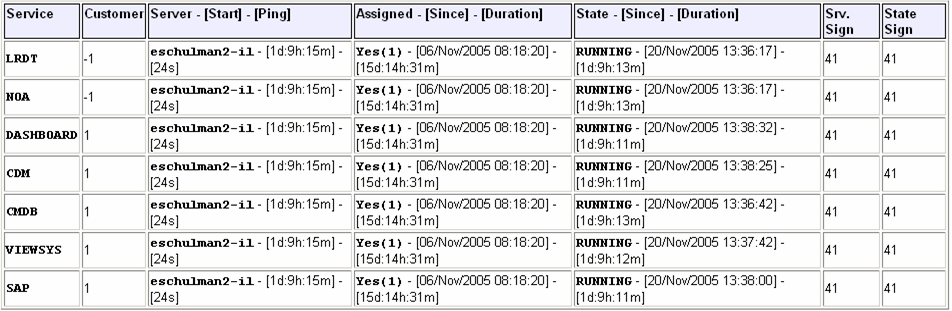
Check that the SAP Service is activated (it is activated by default). If necessary activate it manually.
To view if the SAP Service is activated:
To manually activate the SAP service: